Your business card, one tap.Your business card, one tap.Your contact info, shared in a tap.Your number, saved in one tap.Your whole business, on tap.Your next customer, one tap away.
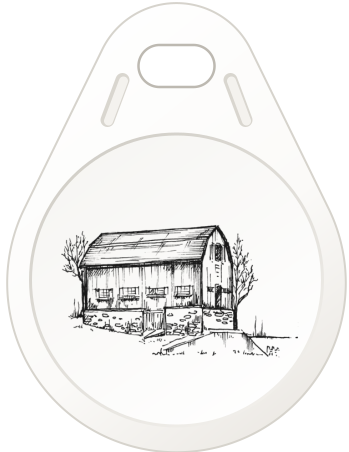
The Starter Tap is a key fob with your business card on it. Tap it to any phone and your number, links, and hours open on their screen, ready to save. No app for you, no app for them.
Clip it to your keys and it’s there every time: across a counter, over coffee, at the door of an open house.
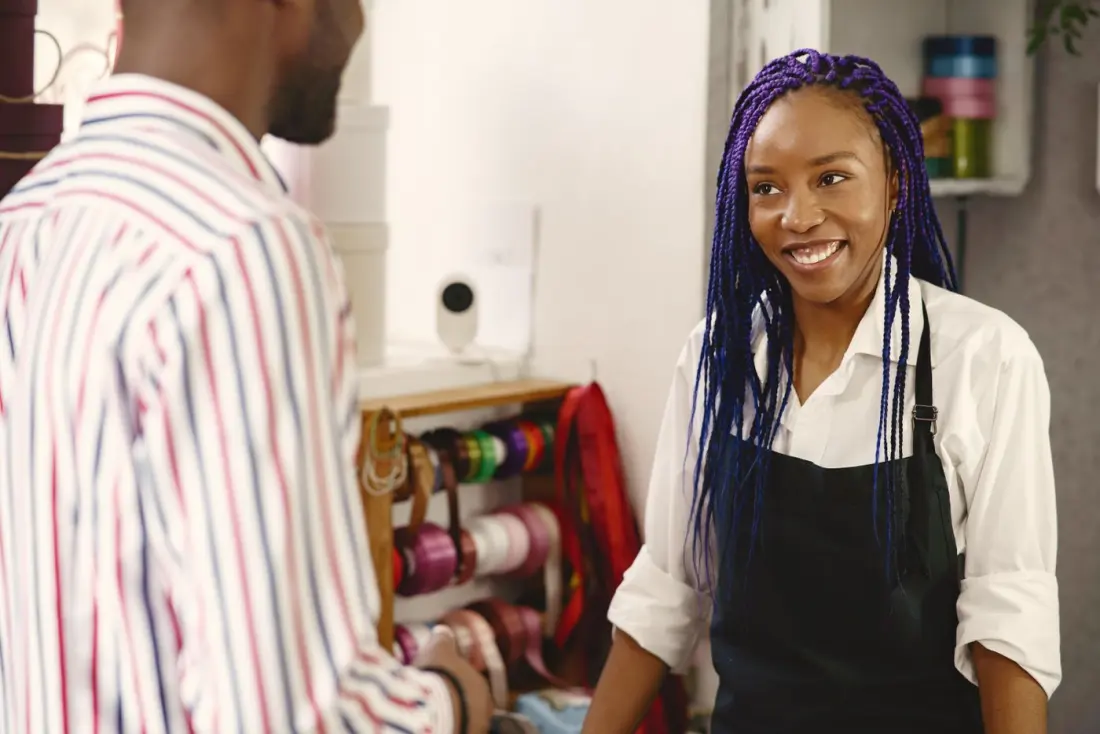
At the counterCustomers tap for your hours, menu, and reviews, and save you for next time.
Over coffeeYour number is in their phone before the coffee’s gone.At the open houseEvery visitor leaves with your contact, and Send me yours gets you theirs.
At the eventSkip the card swap. Tap, save, and follow up tomorrow.
Everything a paper card can’t do
In their contacts in one tap
Your name, number, email, company, and photo go straight into their phone. Nobody types anything.
You tapped Jordan’s card
Jordan Ellis
Sales consultant · Riverside Auto Group
No-pressure car shopping. Text me a budget, I’ll send three options.
Fifteen years helping teachers, nurses and small-business owners plan for the big moments: a first home, college, and a retirement you can actually picture. Fee-only, no commissions.
Twenty years drafting wills and trusts for Connecticut families, and guiding them through probate when the time comes. Every plan is written by me and reviewed in person.
Classic, Tap, Storefront, Cover, Bento, Letterpress, or Poster, each styled from the header down. Swap fonts, pick any brand color, go light or dark, and add your logo.
A QR code made for print
Show it on your screen, or download a sharp copy for flyers, signs, table tents, and the back of your paper card.
Blocks for everything
Links, social accounts, hours with an “Open now” label, directions, reviews, photo galleries, and Venmo or Cash App for payments.
Questions, answered
What does it cost?
The Cove.Cards Starter Tap is $60 plus shipping, and $40 until 11/30. It includes a key fob written with your link and a signup code for your card. Buy one now
Is there a monthly fee?
No. The Starter Tap is a one-time purchase, and it includes your card page and the builder. A simple website on a website builder often runs $10 to $20 a month.
How is Tap different from Dot or Blinq?
They’re good products, and the biggest difference is how you pay. Tap is one price for the fob and your card, with custom colors, every style, and the leads download included. Dot and Blinq offer free basic profiles, with monthly plans for more. Tap is also built for local businesses as well as people, with hours, directions, reviews, and payments on the card.
Does the other person need an app, or a card of their own?
No. Any iPhone or Android phone opens your card in the browser with a tap or a camera scan. They tap Save contact, and you’re in their phone.
What if my Tap stops working?
It has a lifetime warranty. If your fob ever stops working, we’ll send a new one written with your link, free. Your link never changes, so nothing else does either.
Does it work through a phone case?
Usually, yes. Very thick cases, or ones with a metal plate or magnet for a car mount, can block it. When that happens, they scan your QR code instead.
Does it need charging?
No. There’s no battery inside. The phone powers the chip for the split second of the tap.
Do I need a signup code?
Every Starter Tap comes with one. Got a code another way? Claim your link at the bottom of this page. No code yet? Join the waiting list there and we’ll be in touch.
How does it work?
Your card is a web page at your own link. Put that link on an NFC card, sticker, or key fob, a QR code, or your social bios. When someone taps or scans, your card opens in their phone’s browser, and they can save your contact, follow you, book, pay, or send you their details.
Do I need an app?
No. You build and edit your card in the browser on your phone or computer, and changes go live as soon as you save.
Can I change things later?
You can change anything on the card at any time: photo, details, style, color, and blocks. Your link stays the same, so every card and QR code you’ve handed out keeps working.
How do I put my link on an NFC card?
Any blank NFC card, sticker, or key fob works (NTAG213, 215, or 216). Write your link to it with a free app such as NFC Tools, then tap it on a phone to test. The help page walks through it step by step. No NFC? Your QR code does the same job.
Which phones can open my card?
Every phone with a camera can scan your QR code. For taps, iPhone XR and newer read NFC on their own; iPhone 7, 8, and X need the NFC reader in Control Center. Most Android phones read NFC once it’s turned on (open Settings and search for “NFC”).
Where on their phone do I tap?
On an iPhone, the top edge by the camera. On most Android phones, the middle of the back. The phone needs to be awake and unlocked, with the camera app closed and airplane mode off.
Can I use more than one card, sticker, or QR code?
As many as you like. Write the same link to a wallet card, a sticker on your phone, a key fob, and a table tent at the counter. They all open the same card, and they all update when you edit it.
Can a tap open just one link?
Yes. Turn on Direct link in the builder, and taps and scans skip your card and open your first link, such as a menu, a booking page, or a signup form. Turn it off to bring your full card back.
What if Save contact doesn’t save?
On an iPhone, a contact preview opens first. Scroll down and tap Create New Contact. On Android, pick where to save it if asked.
Your next introduction is one tap away.
The Starter Tap is $40 (normally $60) until 11/30, with a lifetime warranty.










 Open now · until 6 PM